As an organization, we strive to be a good company so we expect the same from you.
Be kind and engaged, it enhances the good vibes of the meetup.
You will be socializing with all types of individuals so be respectful and tolerant to different
ideas and opinions. You may learn from them, or at least it will give you the opportunity to flex your patience muscle.
Remember patience is a virtue.
Always make it a safe and friendly place. All evenings have an ending, why not try to end it the best way you can.
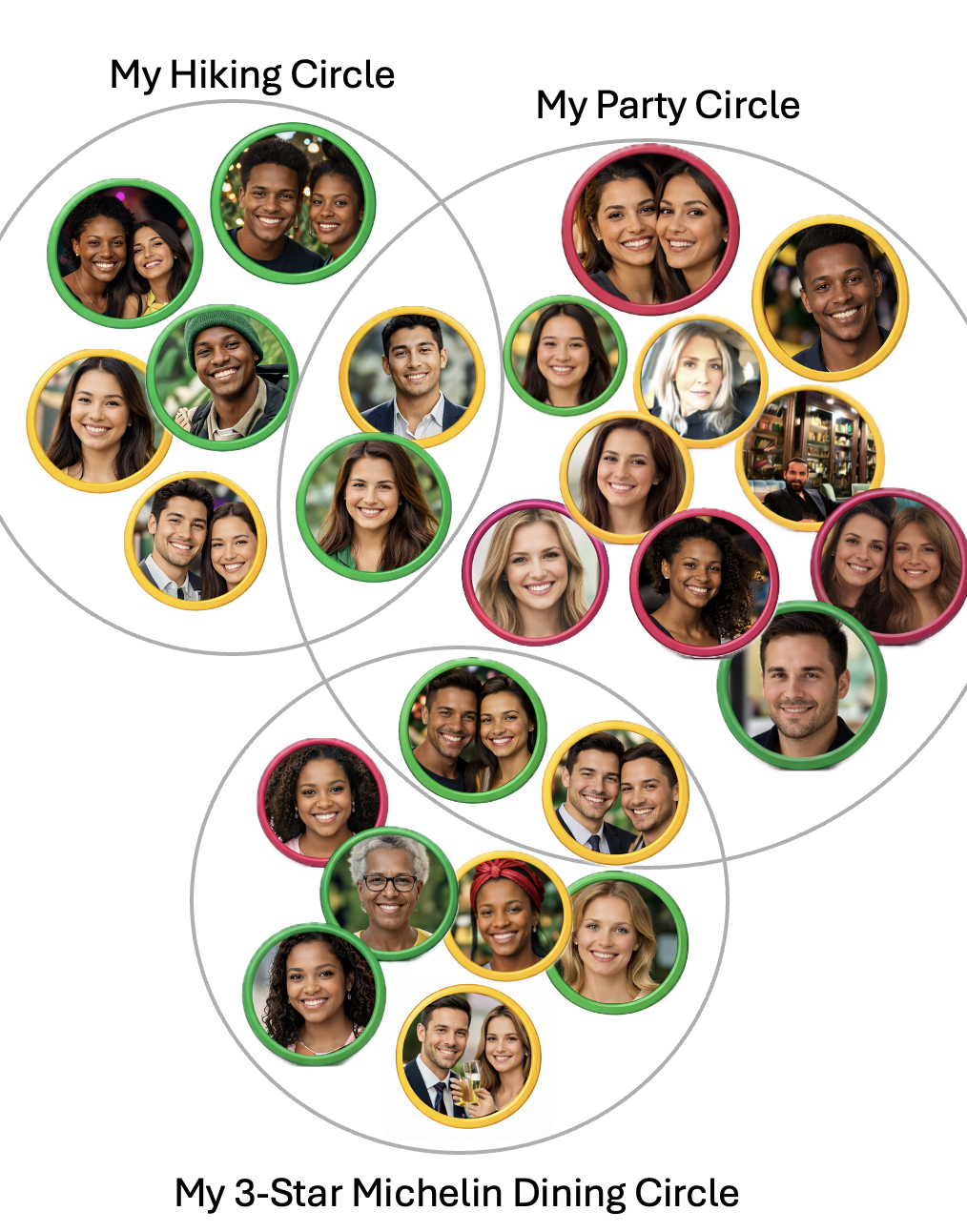
Unlike other meetup apps, Sieve is designed to bring small groups together. We believe there is safety in numbers,
nonetheless, stay vigilant.
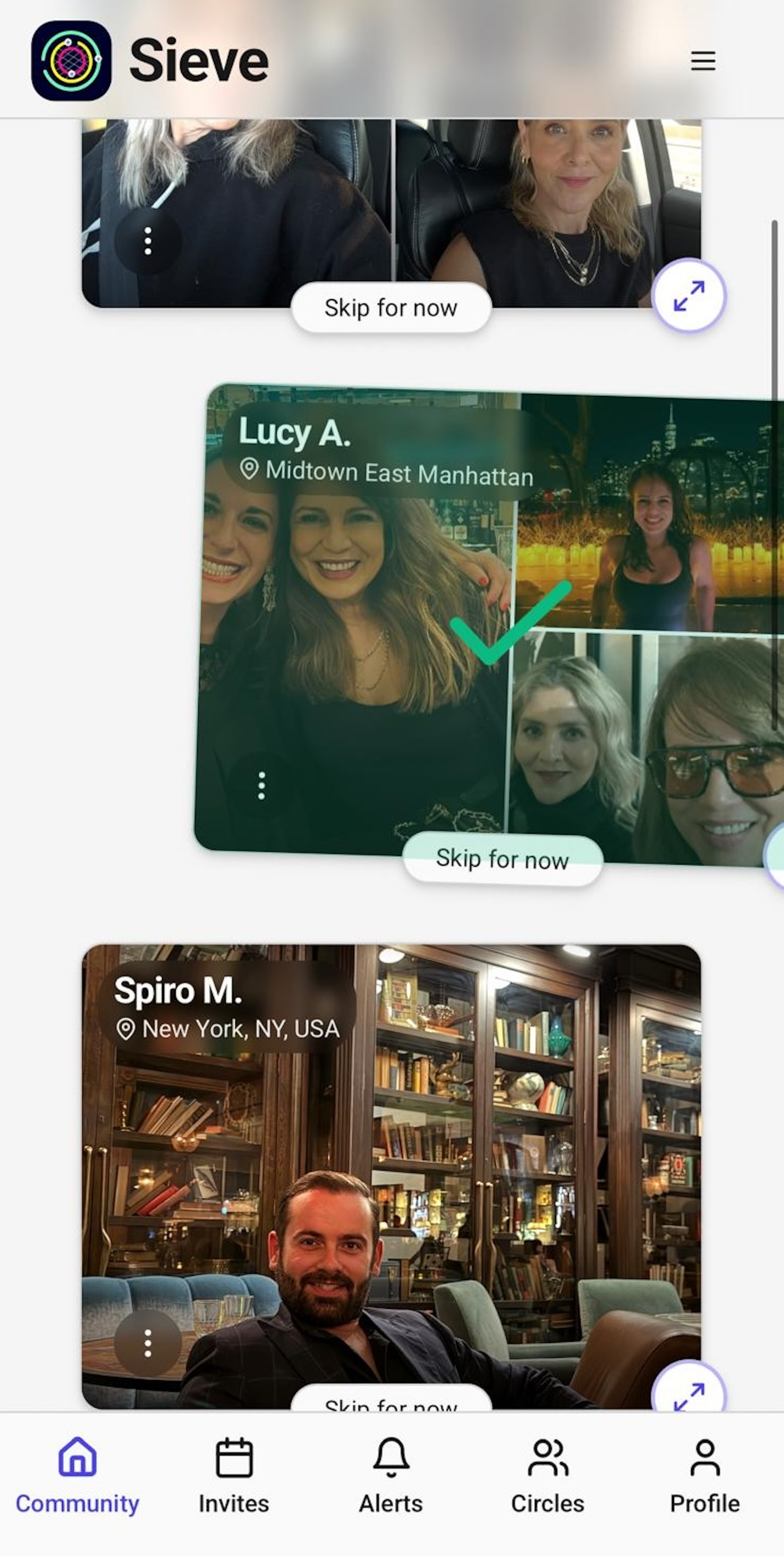
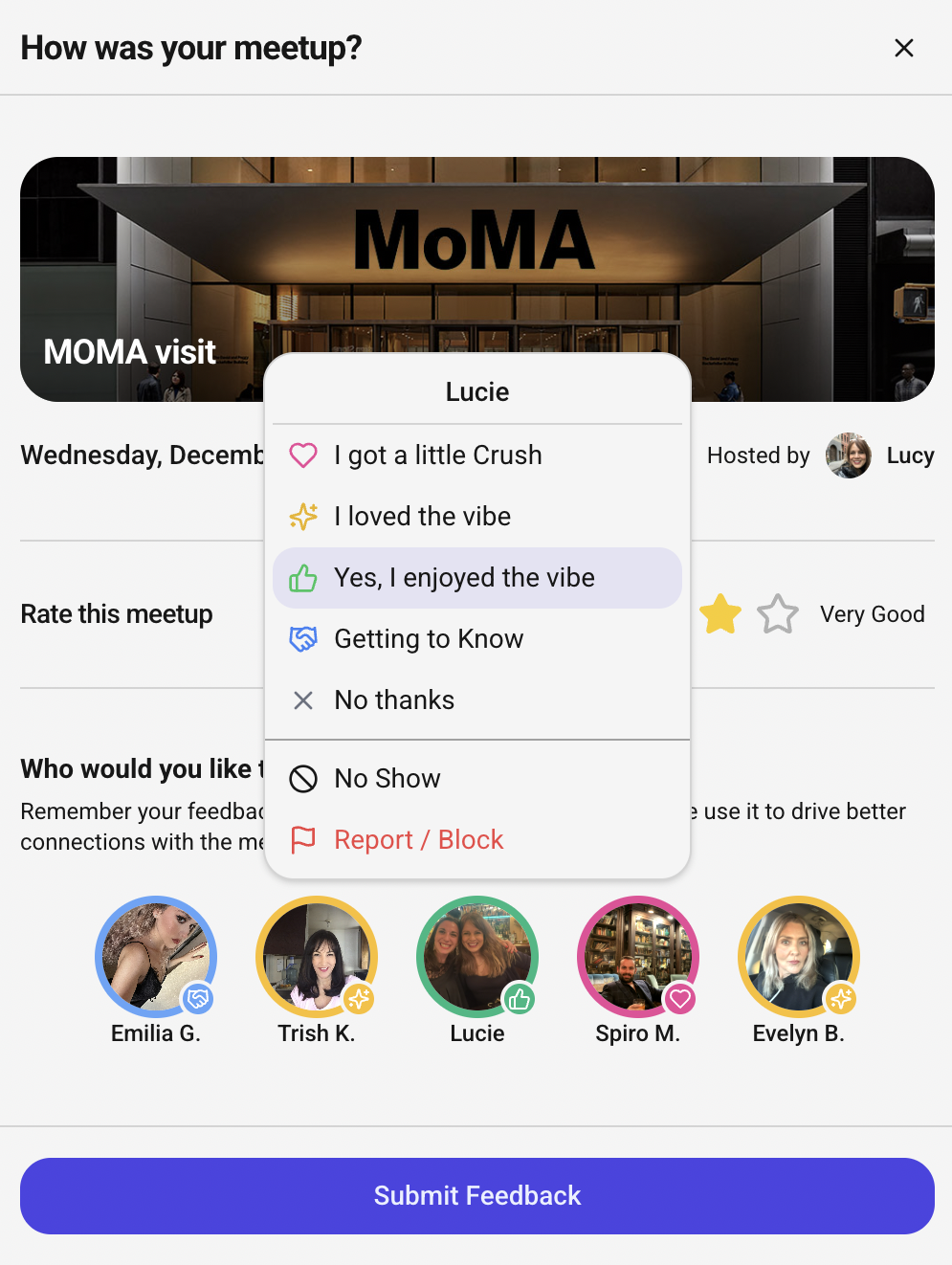
Sieve's special feedback feature is a tool to sieve out any unsavory characters, use it. Life's too short for bad company!
“
Mother Theresa
"Let us meet each other with a smile, for a smile is the beginning of love."
“
Franklin D. Roosevelt
"If civilization is to survive, we must cultivate the science of human relationships - the ability of all peoples,
of all kinds, to live together, in the same world at peace."
“
Maya Angelou
"…people will forget what you said, people will forget what you did, but people will never forget how you made them feel."