Sieve

Find your best circles

Meet new people. Keep your vibe.

LIKE. JOIN. SIEVE.

iPhone users: add this web app to your Home Screen for quick access.
Sieve preview Circles preview screen

Unique Features

Safety First - Visibility Controls

SAFETY FIRST - VISIBILITY CONTROLS

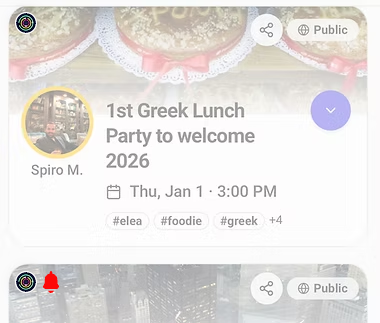
We strive to create a safe environment for all members. The Sieve icon notifies you when someone you’re connected with joins a meetup. A red alert bell lets you know if a person you’ve blocked or reported has joined.

You’re always in control of your own safety—we provide the visibility tools so you can make informed decisions before you participate.

Sponsored meetups

SPONSORED MEETUPS

Have you ever seen a post of the latest trendy restaurant you want to go to but your friends find it pricey or too adventurous? Sieve helps you find the right crew to go with you.

We’re partnering with food and entertainment influencers and critics to bring you a steady stream of curated meetup options worth exploring.

Hashtags

HASHTAGS

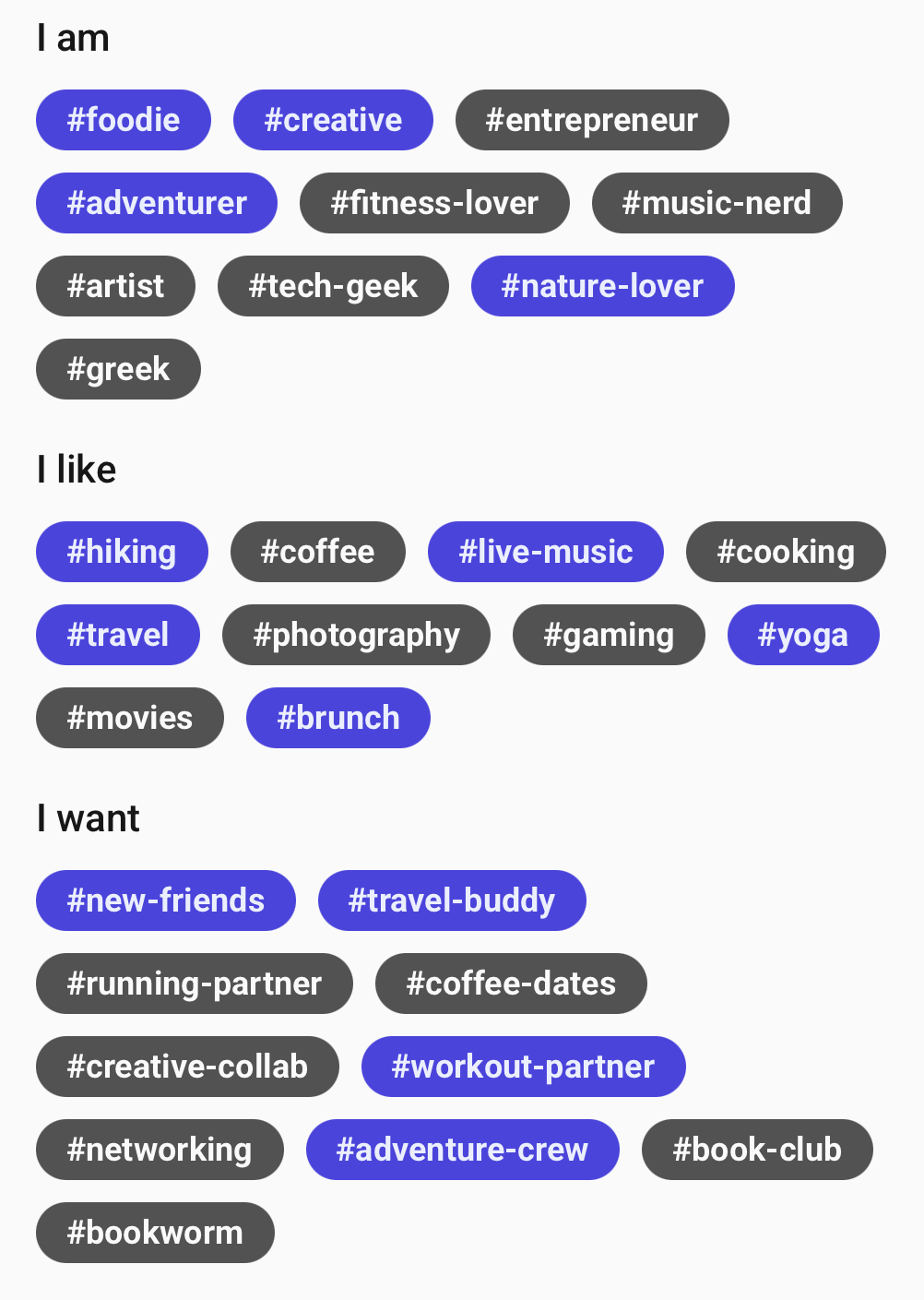
Hashtags aren’t new—but adding them to your Sieve profile is effortless.

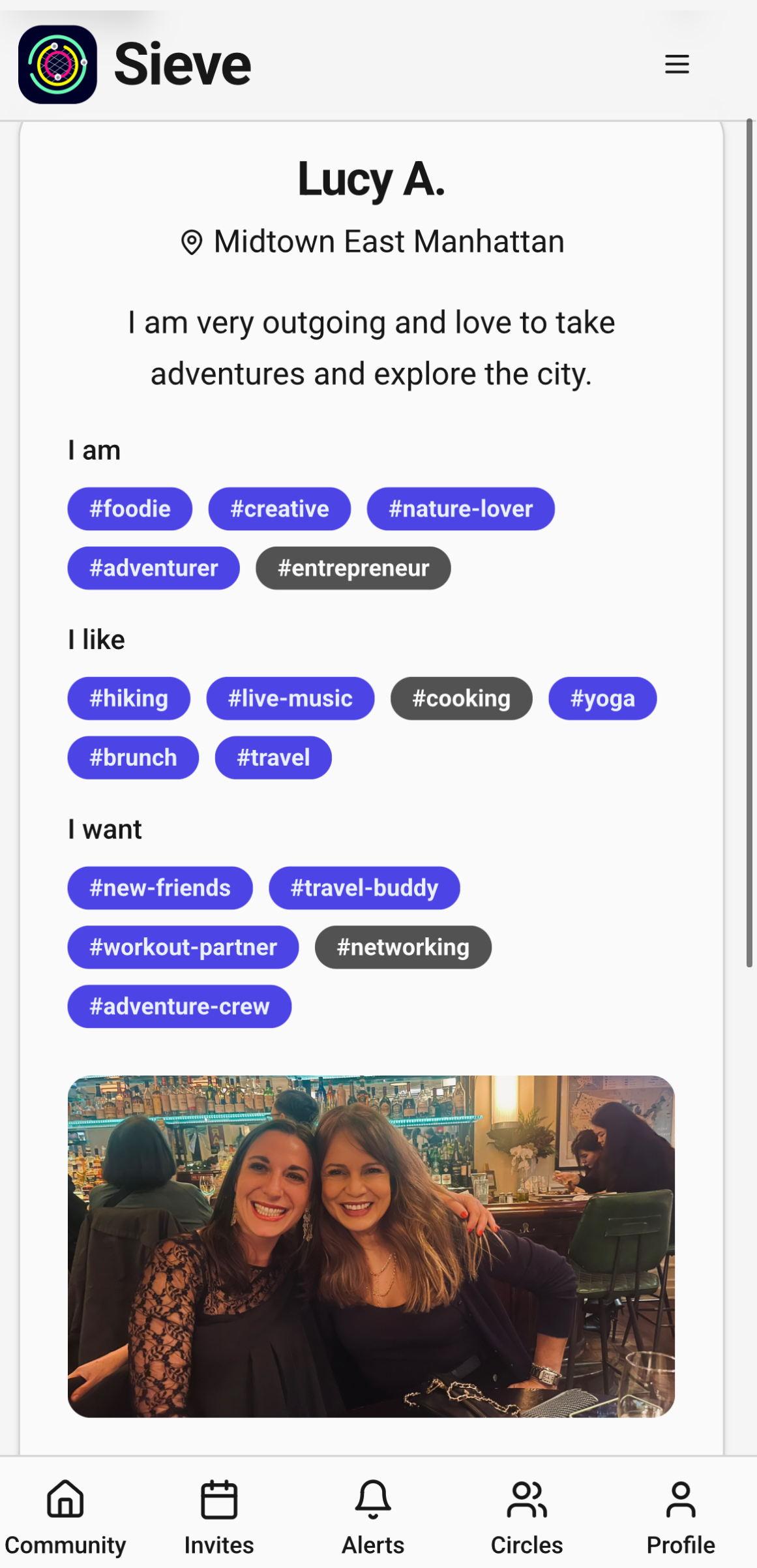
Highlighted hashtags show what you and another member have in common. If one resonates with you, tap it to add it to your profile and start finding your people (for example, #greeks).

You can also build and refine your circles anytime from the Circles page.

How It Works

/01

Pre-vet who you want to meet

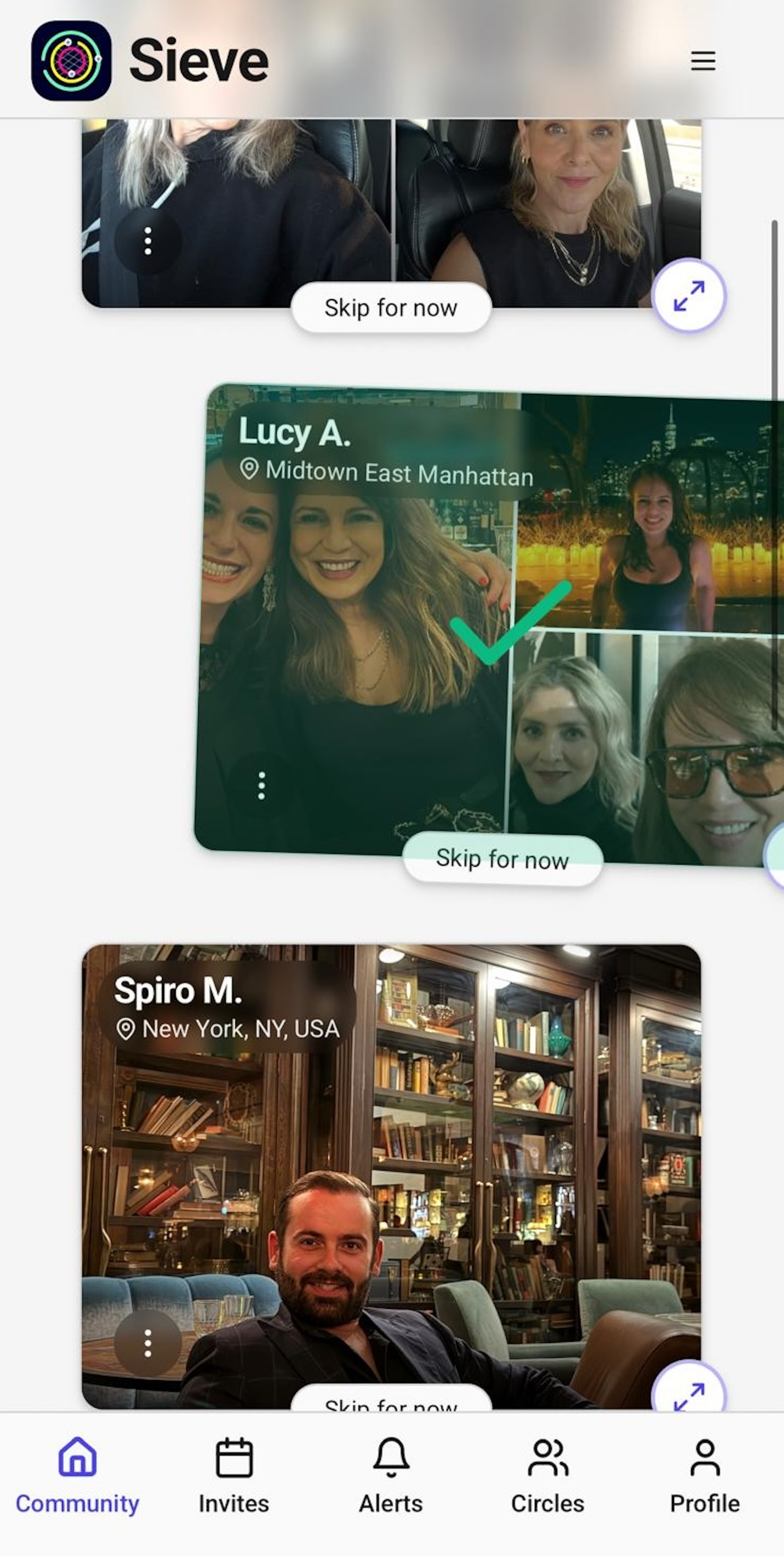
As you go through our members' profiles, you decide if you want to make them part of your circles by swiping right.

But before you swipe left, expand the profile to see what you have in common. Not sure about a member? Don’t swipe left. Skip for now. Don’t let a rushed decision hamper a possible great connection; chemistry is much more than a photo.

As you meet members you can always fine tune your circles, in step 3.

/02

Join a meetup or host one

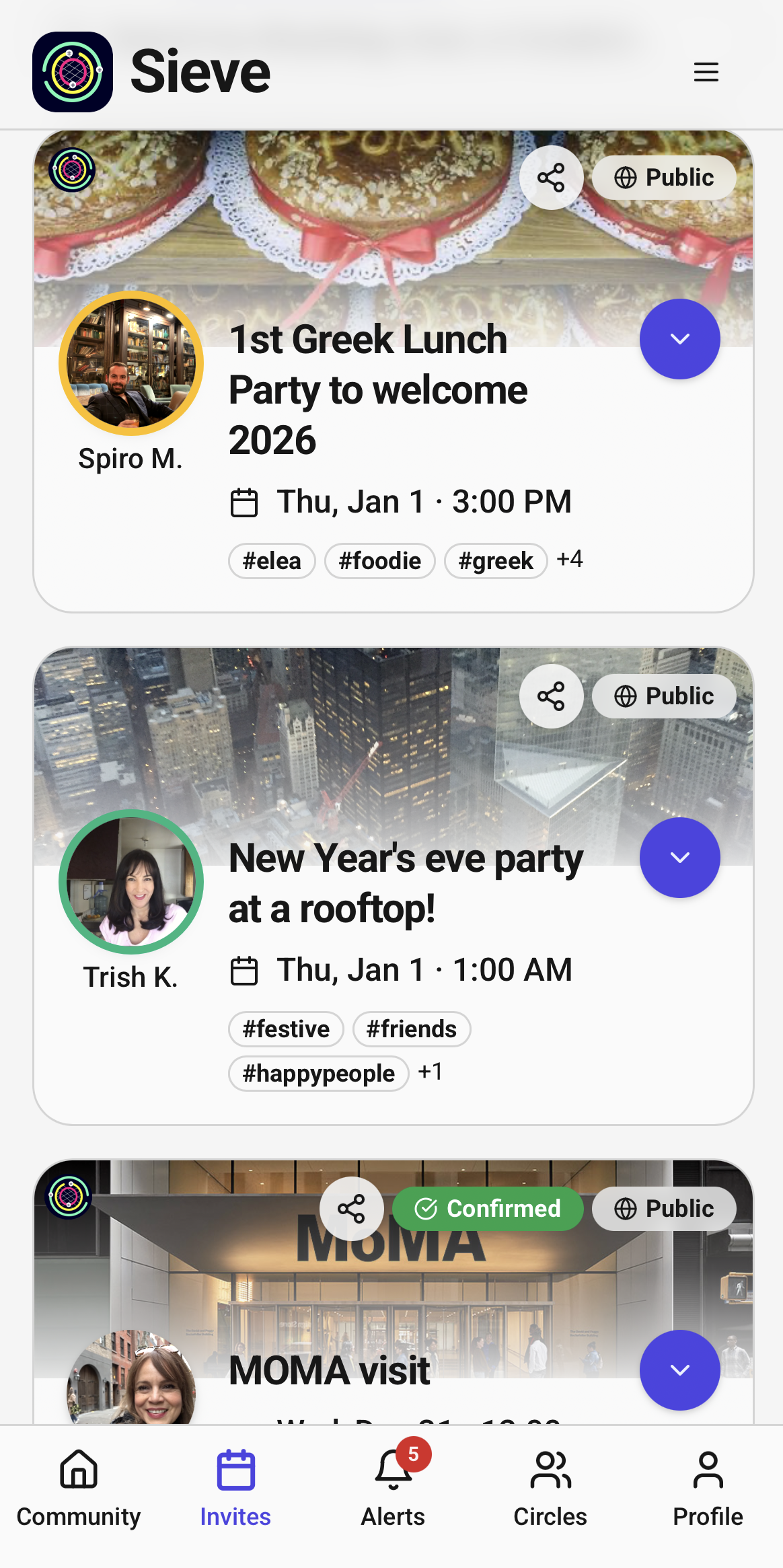
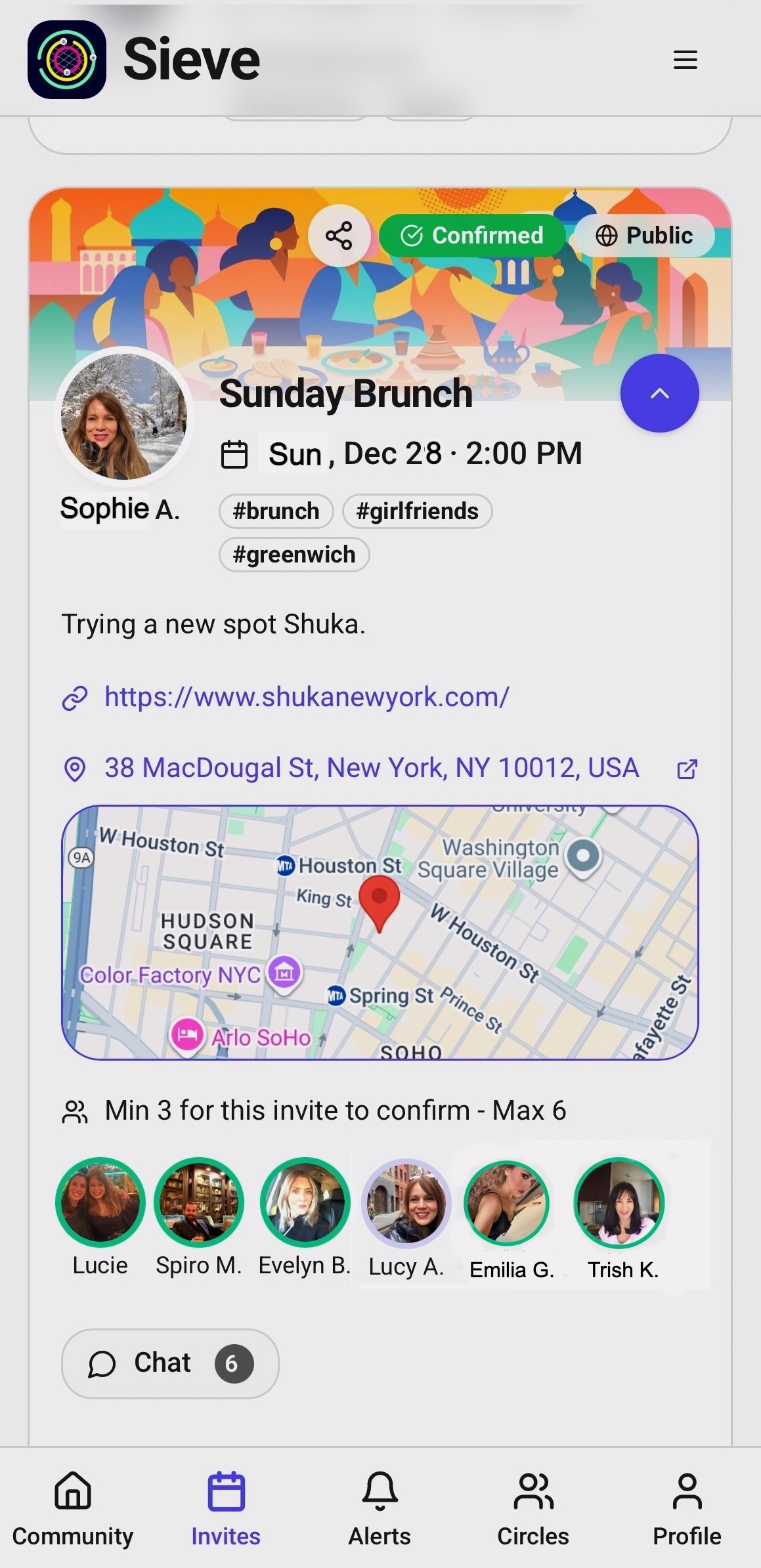
Meetups will appear in the Invites feed. Here you can see details of the meetup and check out who is going to decide if it's worth your while.

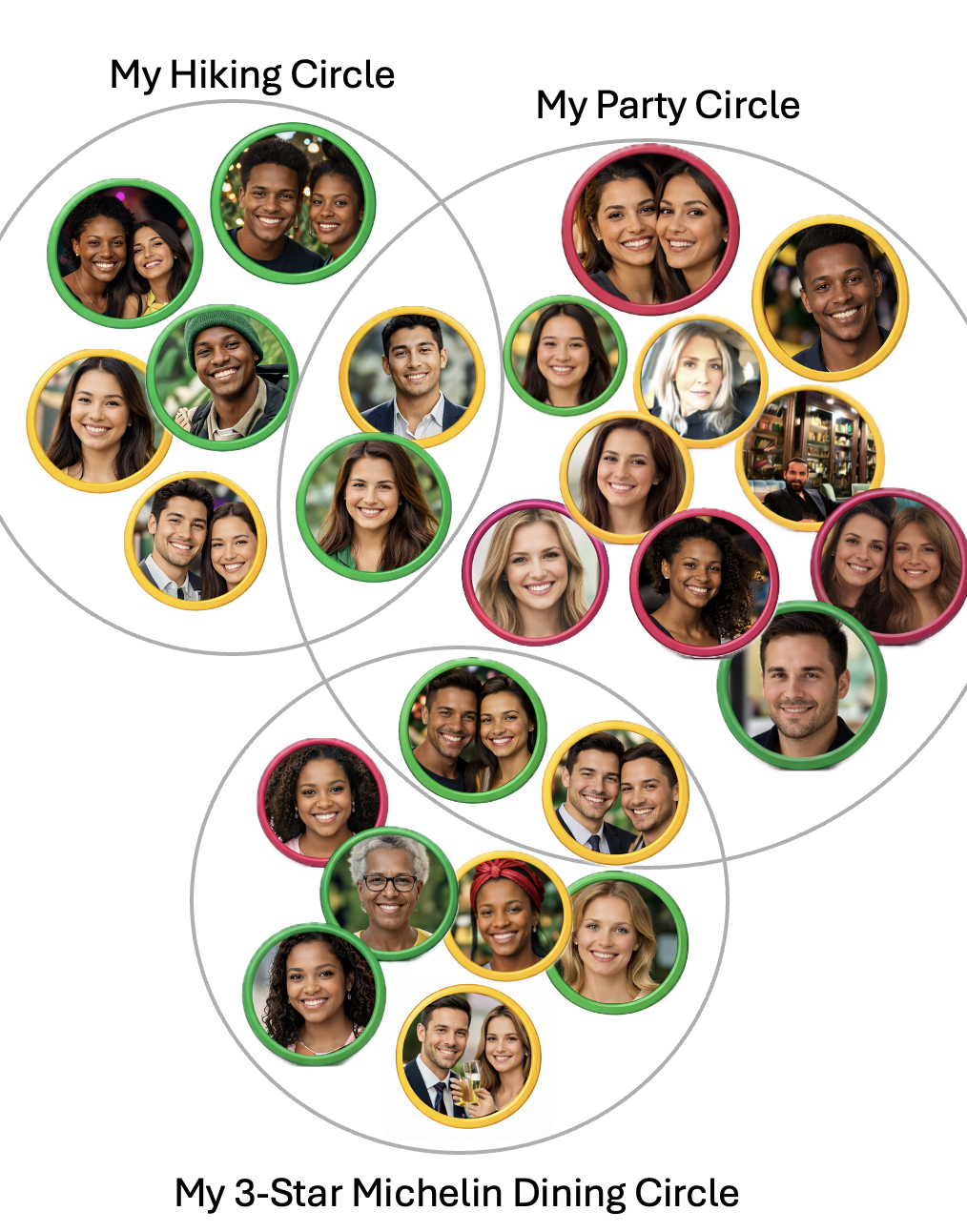
You see a green border on the avatar? You already showed interest—so go.

No border on the avatar? Click it to get to know the member.

Invite Feed Meetup Screen
/03

Choose who to keep in your circles

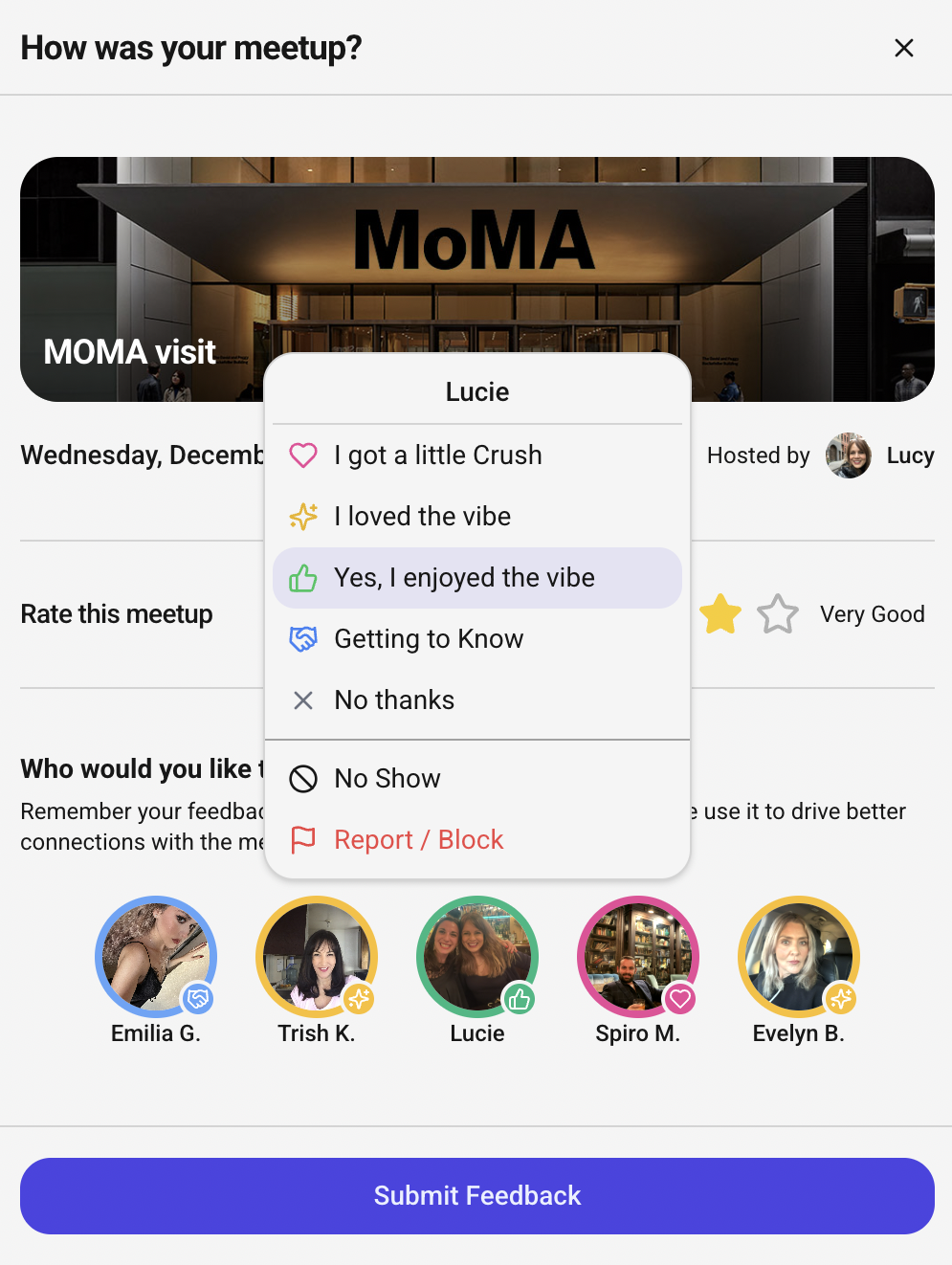
At the end of each meetup you can provide us with your feedback of the attendees so you can color your affinity.

Sieve never shares your feedback with the community. It's for your eyes only! Sieve helps you build meaningful relationships by helping you spend more time with members you genuinely enjoy.

Feedback